▶ Watch: Why is this price wrong? (54 s)
The most common billing surprise in POM is a price that is not what you expected — an invoice that shows $1,400 when you quoted $1,800, or a recurring job that kept an old rate after you updated your pricing. It is almost never a bug: it is one of POM’s three pricing levels doing exactly what it was told. Learn the three levels and the two rules, and pricing surprises disappear.
The three pricing levels
- Default pricing — the price on the service type itself (Settings → Service Types). If nothing overrides it, this is what every new job uses.
- Customer pricing — a custom price saved in a customer’s profile. Once saved, every new appointment and invoice for that customer uses it instead of the default. If no custom price exists, POM falls back to the default.
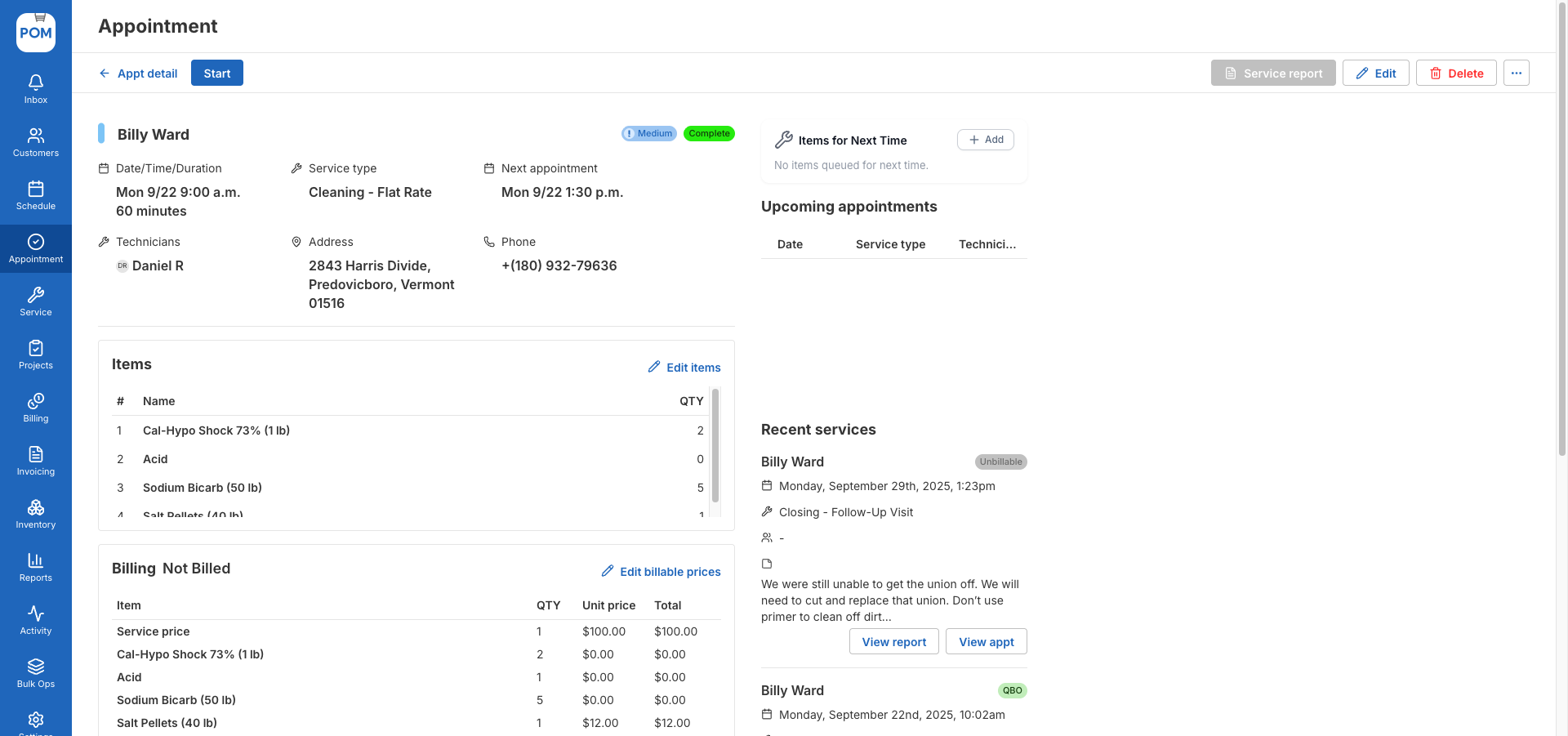
- Job pricing — a price set on one specific appointment, in its Billing section. A one-time exception: “I gave them $200 off on the phone.” It applies to that job only and never writes back to the profile or the default. The next job returns to the customer or default price.
Rule 1: price changes never touch existing jobs
Change a default price today and every job already created keeps the price it was created with — only new jobs pick up the change. Same for customer-profile changes. This is deliberate: a customer who signed a quote should never see the price move afterward. So when you update pricing, remember the jobs already sitting on the schedule still carry the old numbers; edit them directly if they should change.
Rule 2: a recurring series is not always one series
Editing a recurring appointment and choosing “save for all” updates every appointment in that series — every Wednesday 7:10 for Megan, say. But an appointment that was individually moved or created one-off is broken out of the series: your Friday 1:44 and that one Monday visit are separate series, and the Wednesday edit will not reach them. If a customer’s week has visits at odd times, check each one — a stray old price usually lives in a broken-out appointment.
Diagnosing a wrong price, in order
- Open the job itself — Billing tab. Was a one-time price set here?
- Check the customer profile — is there a saved custom price overriding your default?
- Check the service type default — and remember any change you make now applies from this point forward only.
- Recurring job? Fix the price on a stable appointment in the series, save for all, and separately check any moved or one-off visits.
Related
- Flat-rate billing: include chemicals at one price
- Subscription billing: recurring invoices in QuickBooks, exceptions in POM
- Configuring Customer Billing
Questions? Email help@poolofficemanager.com or call 614-710-0074.