View Service Report
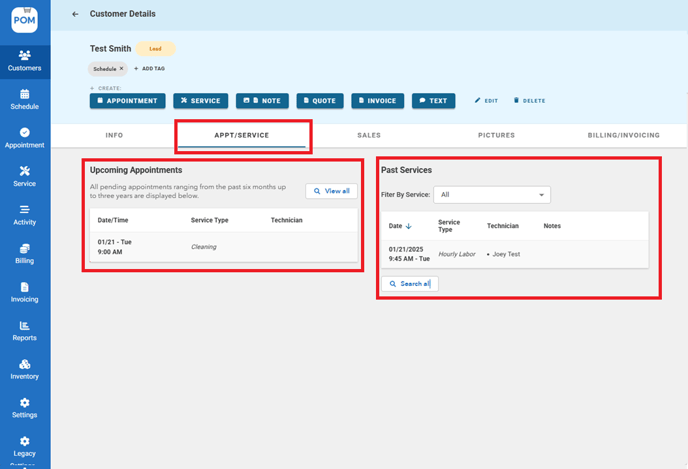
- Open customers profile > Go to Appt/Service tab. Here you can find the upcoming appointment as well as past services.
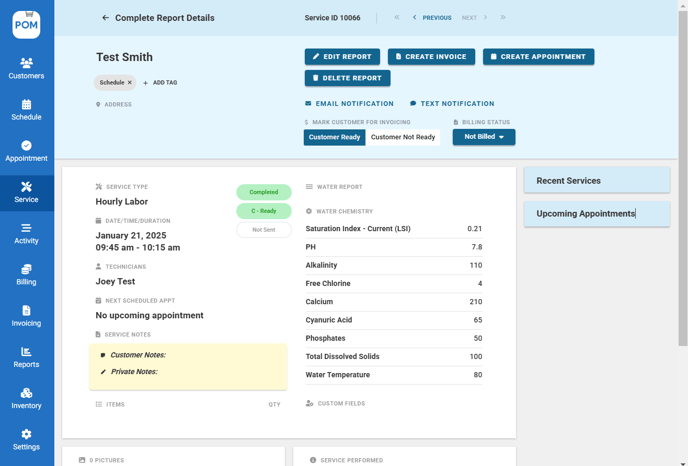
- After completing an appointment or service, you can now view the full report details.
Send Service Report
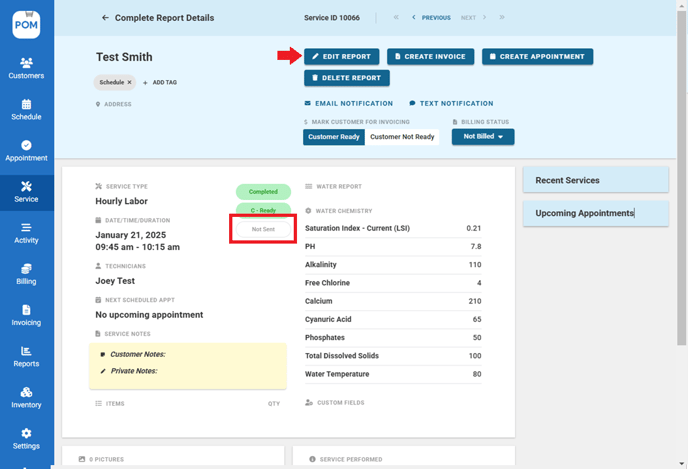
- The status indicates whether a report has been sent or not. If you need to make any modifications to the report before sending it, click on the "Edit Report" button.
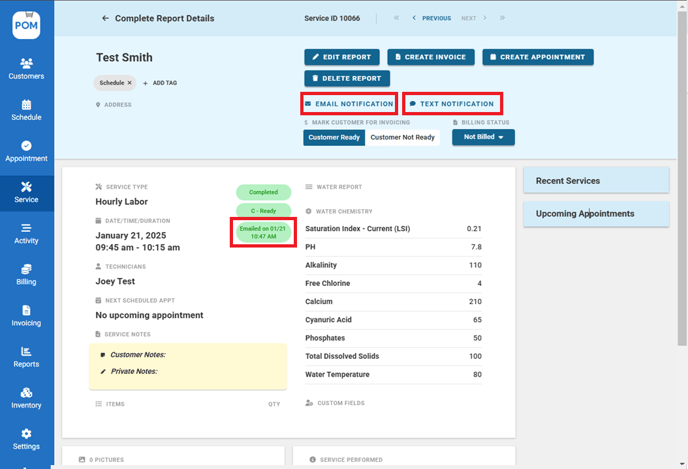
- Click on either "Email Notification" or "Text Notification" to send the report. The status of the report will change to reflect that it has been sent.