Managing Route
You can interact with your schedule in a variety of ways, daily, weekly, by technician, by type of service, on a map, calendar, and more. The video covers how to interact with and use the Scheduler on Pool Office Manager.
Video: https://youtu.be/iYlBQjYyUFQ
Schedule>
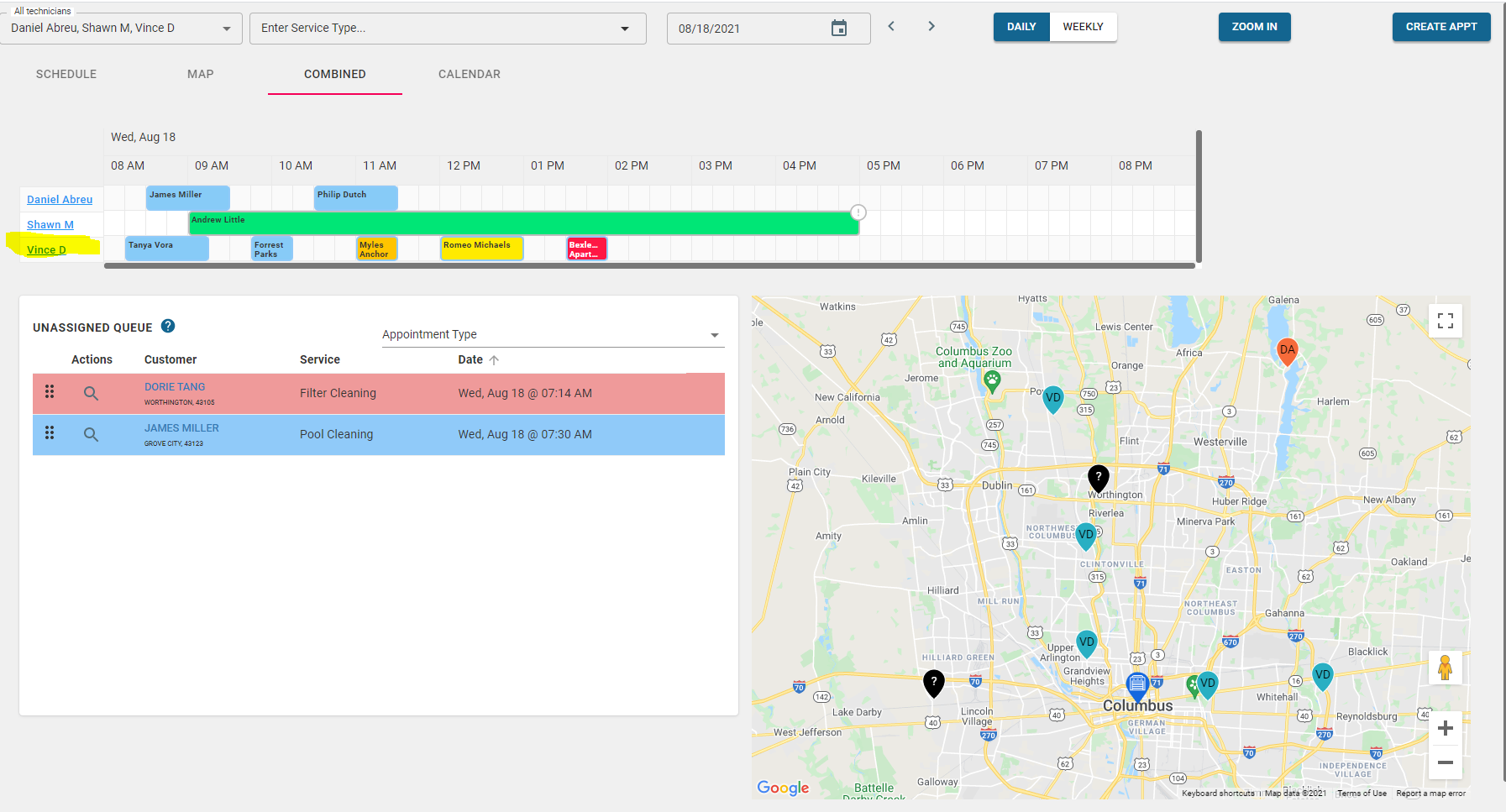
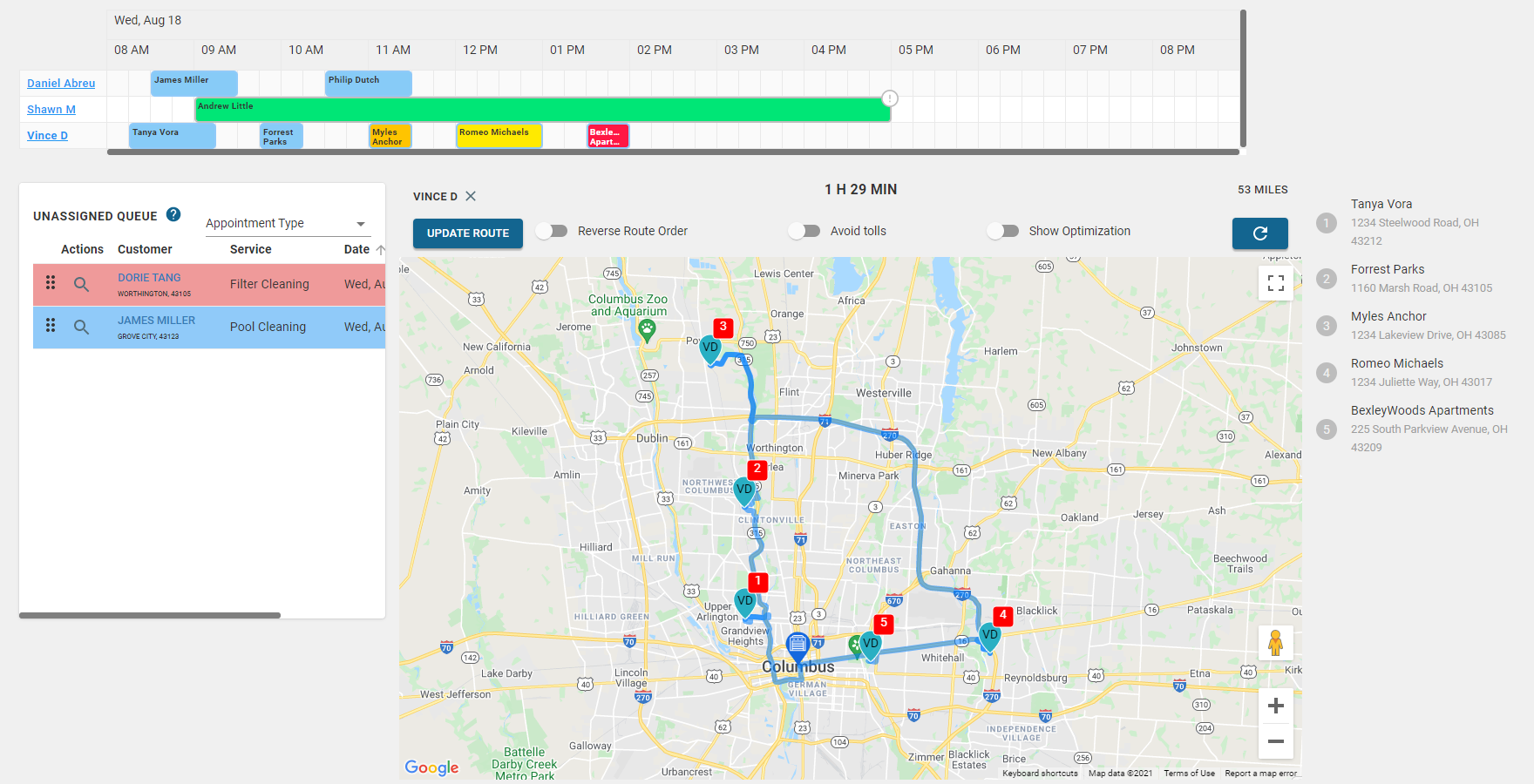
View Route — Click on the technician’s name on the schedule to see only that technician’s route.
Optimize Route- Select the Optimize route toggle to see the fastest driving route.
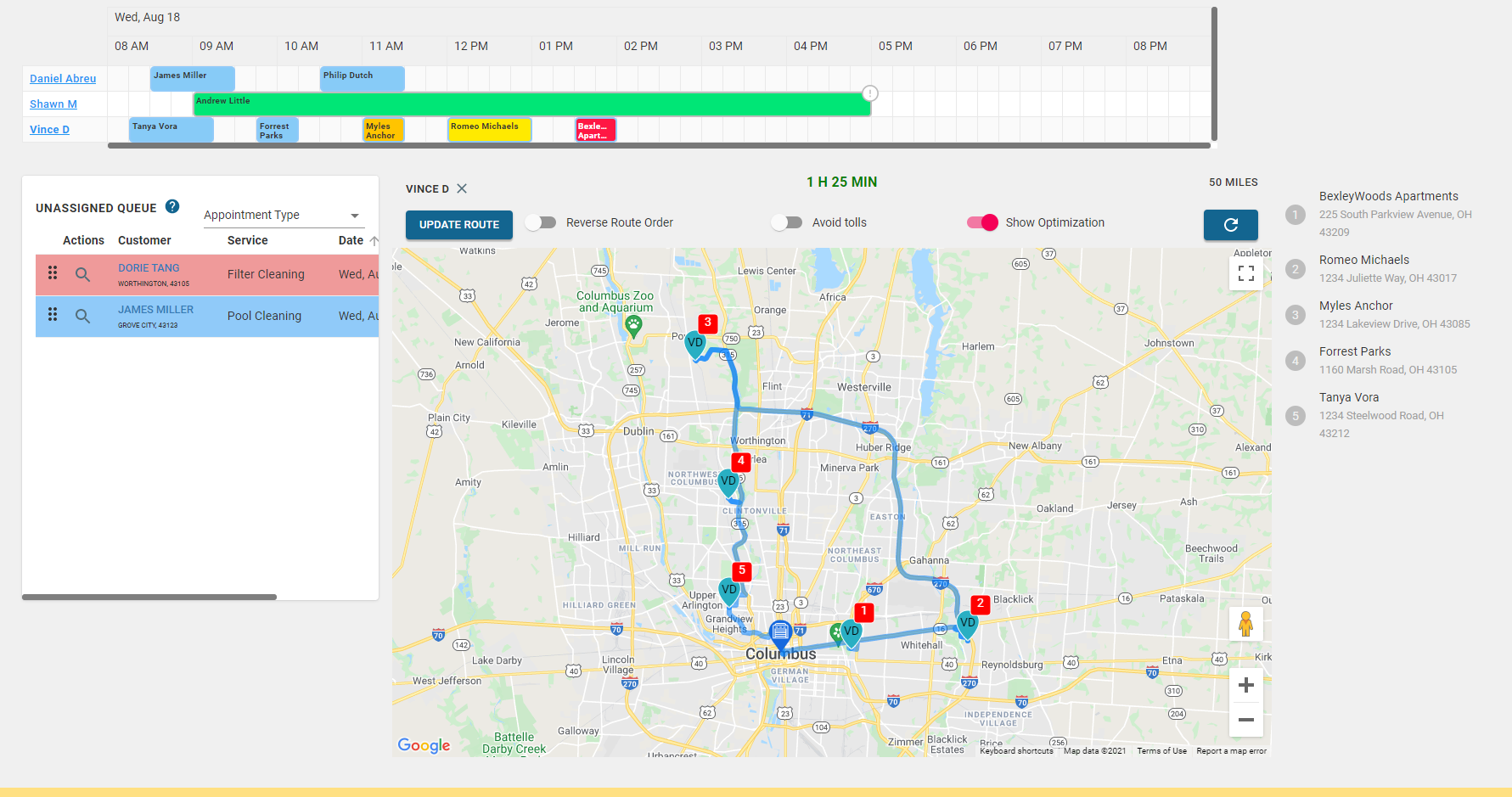
If you want to use the optimized route, select Update Route