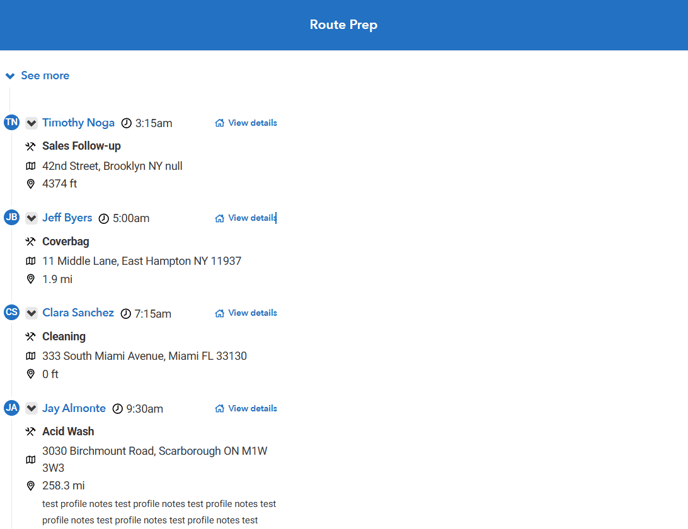
Route Prep Features
When technicians are getting ready for the day, they can use these features to be prepared for appointments.
Appointments Tab
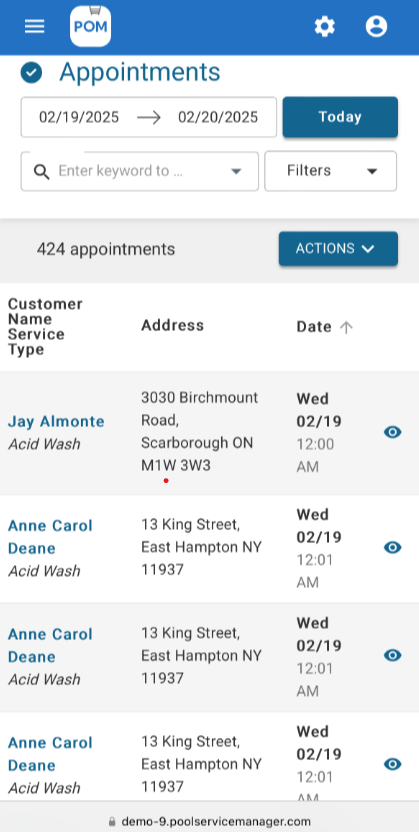
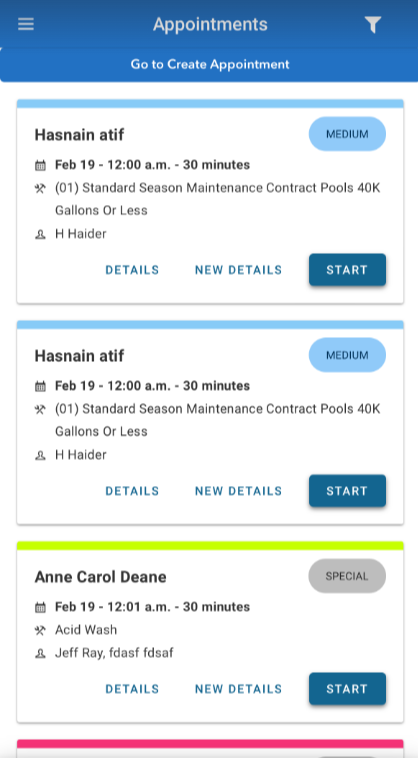
Whether you’re using the browser or the app, if you click into in the Appointments Tab, you can see the appointments you have for the current day. The appointments are presented in chronological order.
Mobile Browser View
App View
In the browser, click on the Route Prep button. 
Now you can see the map of appointments in order.
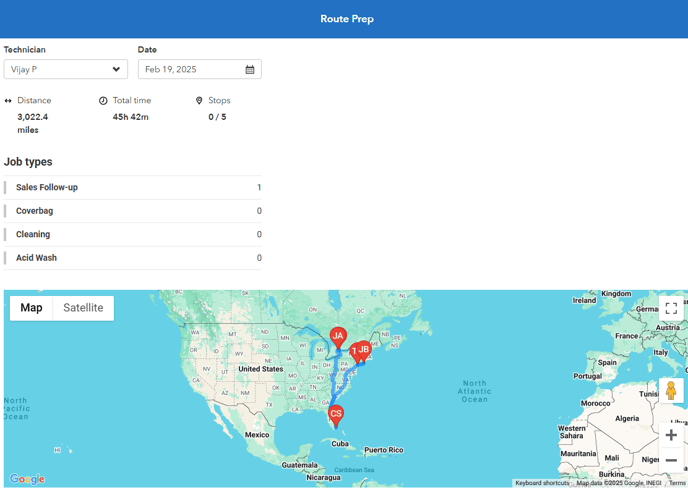
Technicians can view their schedules, routes, and appointment details so that he/she can prepare appropriately for the day.
Below the map, you will see each customer in their respective order with any appointment notes. Here you can view any parts you may need to bring.