To log in
- Enter your subdomain. Your subdomain is the first portion of your company's website url.
For example, if your software URL is acme.poolofficemanager.com, the subdomain you will enter in the software is acme.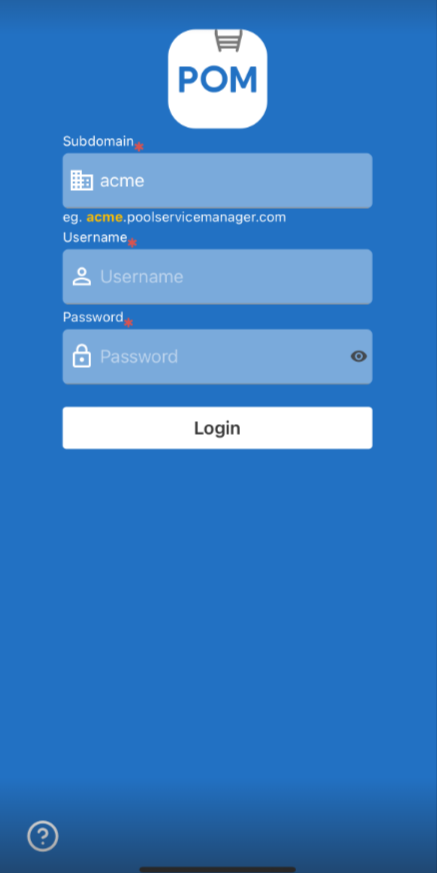
- Enter your username and password. Your username is NOT your email address. You should have a specific username when creating an account.
Passwords are case-sensitive.
To reset your password
- Navigate to your company's URL at samplecompany.poolofficemanager.com.
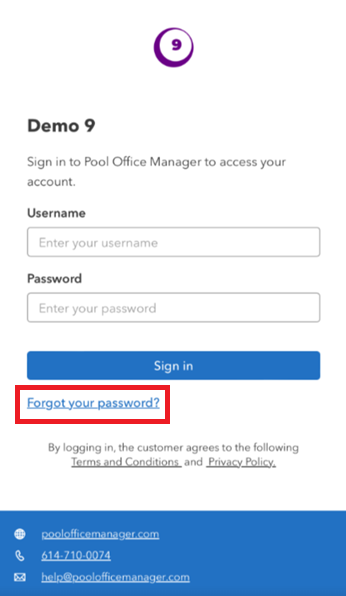
- Select the "Forgot Password" link. From there, follow the prompts to change your password.