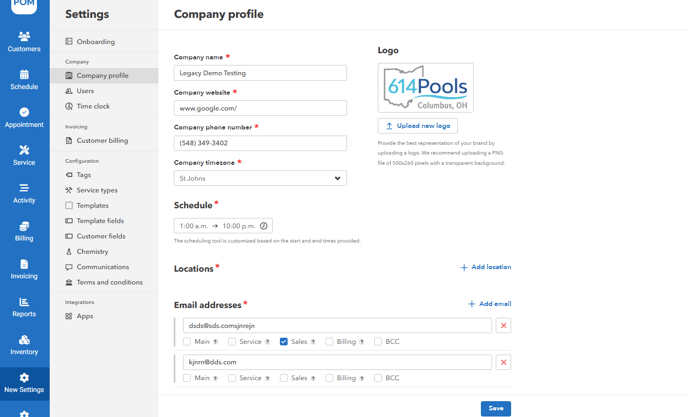
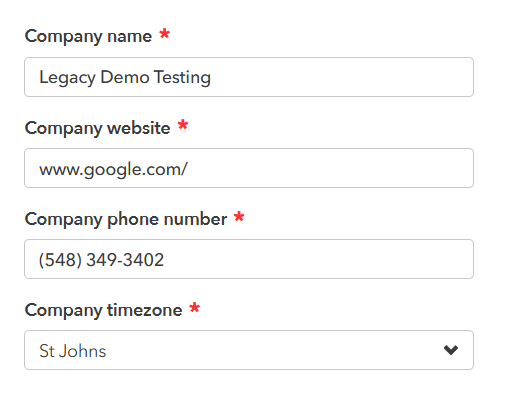
- Go to "Settings"> "Company Profile "> Add/Edit any information about the company, such as name, website, phone number, and timezone.
- Change your company logo by uploading a new one.
- Customize your company's start and end times using the scheduling tool.

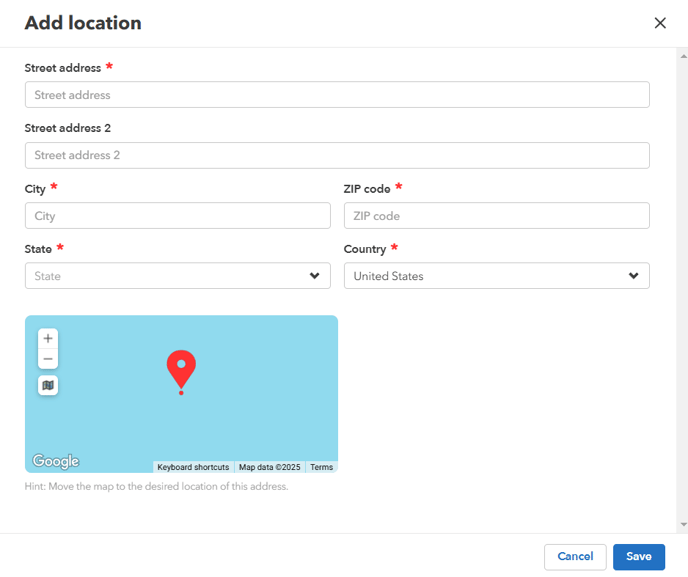
- Set your company's location.
- Customize your company's email addresses.
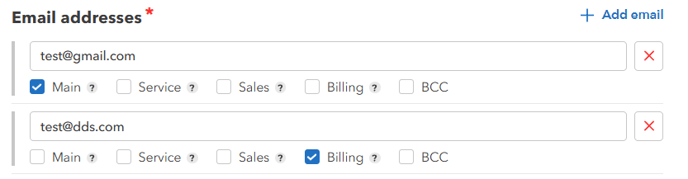
Main - Appears in the body of the message when sending a signed quote, appointment, or service report.
Service - Used to send appointment and service report emails.
Sales - Also appears in the body of the message when sending a signed quote, appointment, or service report. Will be CC'd on signed quotes.
Billing - Invoice for Pool Office Manager will be sent to this email.
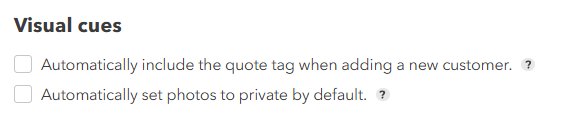
BCC - Copies of all emails sent from the software will be sent to this email as a BCC recipient - Check or uncheck the desired options for Visual cues.
- Click the "Save" button to confirm your selections and update the settings.