-
Go to the customer's profile > edit > Look for the address field.
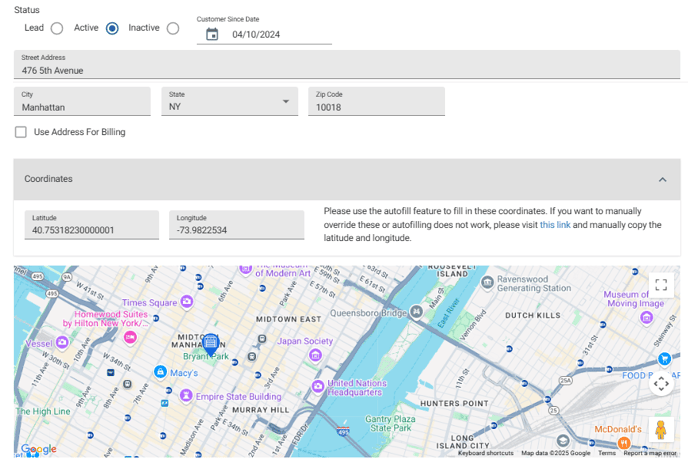
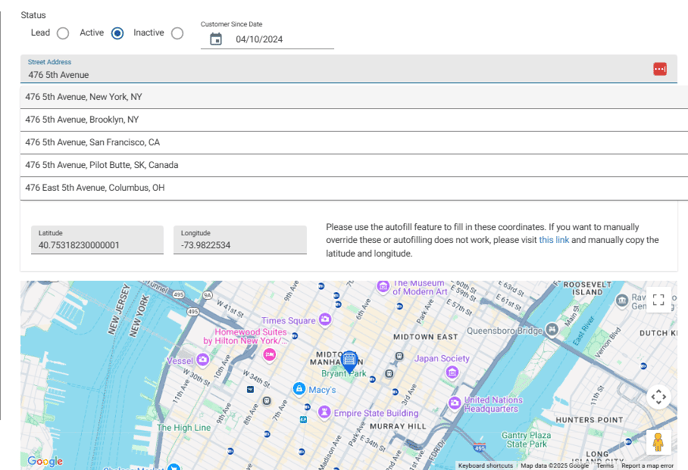
- If the address/coordinates don't appear correct, reselect the address from the autocomplete suggestions. As you type, the system should offer a list of potential matches.
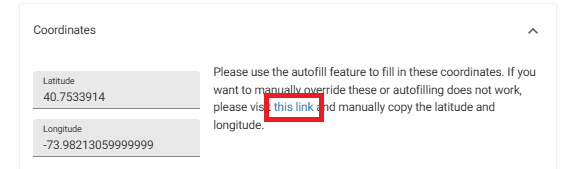
- If that doesn't work, use the link and instructions in the coordinates section to manually enter the address's coordinates.
- The pin on the map in the customer profile should accurately reflect the address. Save the profile when done and refresh the Scheduler map