Pool Office Manager sends polished, branded emails to your customers at the moments that matter — when a visit is scheduled, when a quote is ready, and when a job is done. Every one carries your company name, logo, and phone number, and when a customer hits reply, the reply comes to you. Here's exactly what lands in their inbox.
1. The appointment email
When a visit is scheduled — or its time changes — your customer gets a clean confirmation: the date, the service type, the technician's name, and any notes you want them to see. If a customer has already received one and the time moves, the email says plainly that it's an updated time, so nobody shows up confused.
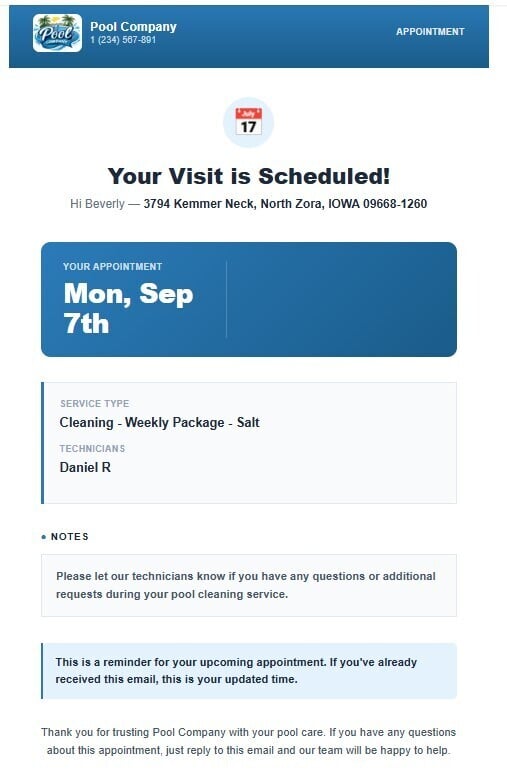
Customers who know when you're coming don't call to ask when you're coming — that's a real chunk of the front-office phone traffic gone.
2. The quote email
When you send a quote, your customer gets a personal message from you and one clear button: View Your Quote. The link takes them to the quote online, where they can review it and approve with an e-signature — no printing, no scanning, no "I'll get to it." The service address is right on the email so there's no ambiguity about which property it covers.
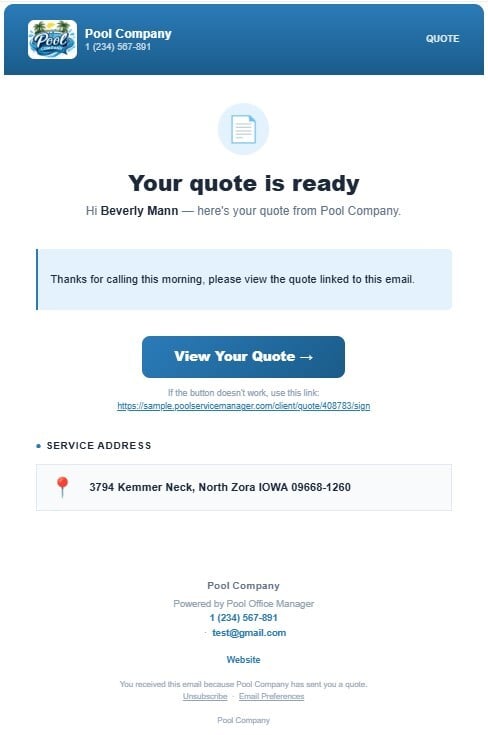
Approved quotes convert to invoices in one click on your side, so the paper trail runs unbroken from "thanks for calling this morning" to paid.
3. The service report email
This is the one customers love. When your tech submits a visit from the field, the customer gets a full recap: a personal note from the tech, the water report, complete water chemistry readings, every task performed — including your own custom checklist items — and the photos your tech took at the property.
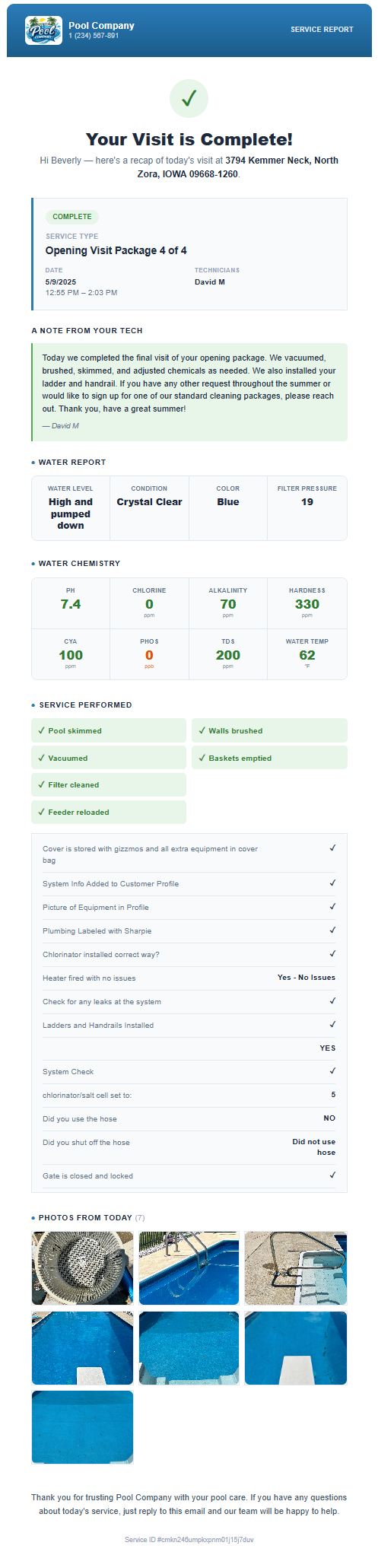
A photo-backed report answers the two questions that generate the most inbound calls: did you come? and what did you do? Companies using these reports tell us customer inquiries drop several-fold — the proof of service arrives before the question gets asked.
Where these emails come from
You don't write any of these by hand. The appointment email flows from the schedule, the quote email from the quote you build, and the service report from what your tech records in the mobile app during the visit — checklist, readings, chemicals, photos, note. Do the work once, in the field, and the customer communication takes care of itself.
Questions about setting up your branding, notes, or checklists? Call us at 614-710-0074 or email help@poolofficemanager.com — we'll walk through it with you.