Create Appointment
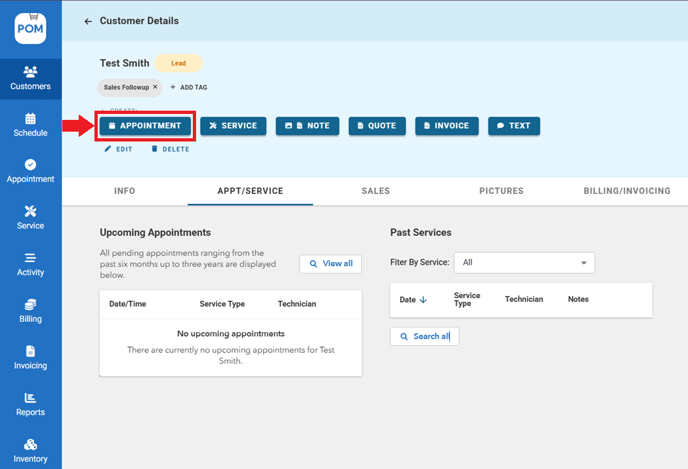
- Go to customer's profile > Click "Appointment"
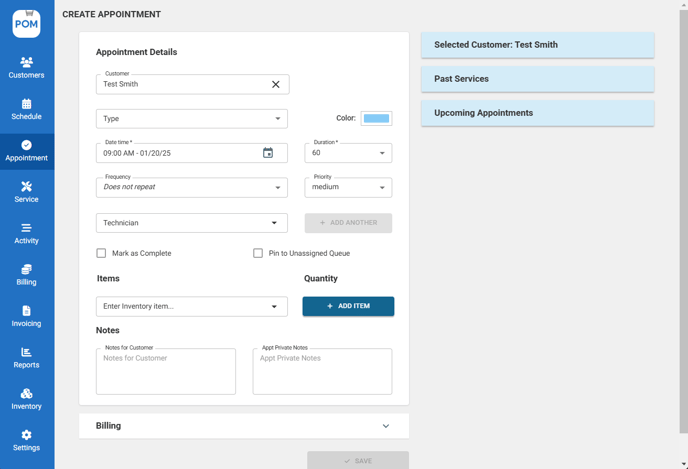
- Add in the mandatory fields such as customer and type. Feel free to add additional details such as the technician, time, inventory items, notes, etc
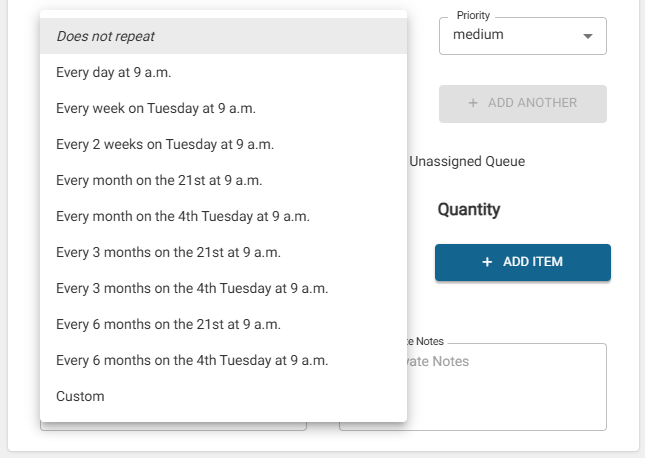
- Change the frequency if you want to make the appointment a recurring event.
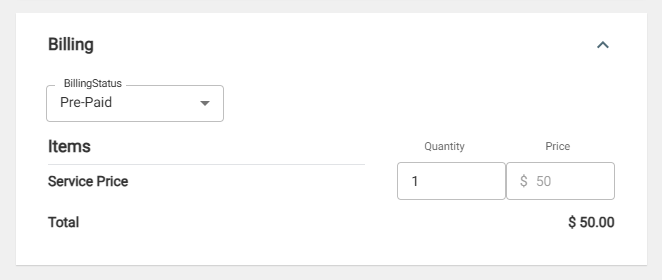
- Modify Billing as needed.
- Click "Save" to schedule appointment.