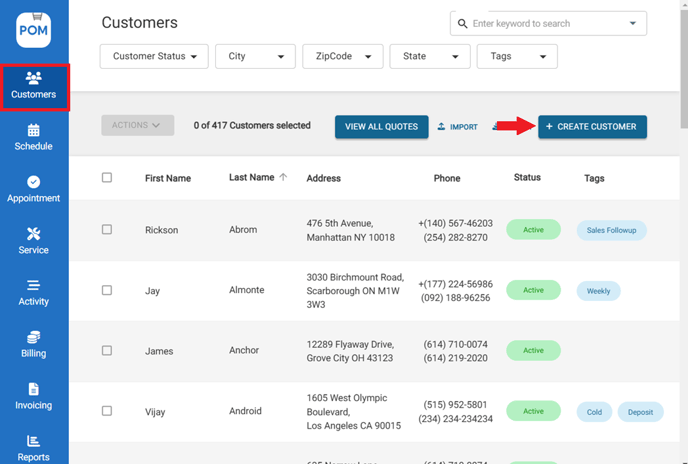
- Go to "Customers" > Click "Create Customer"
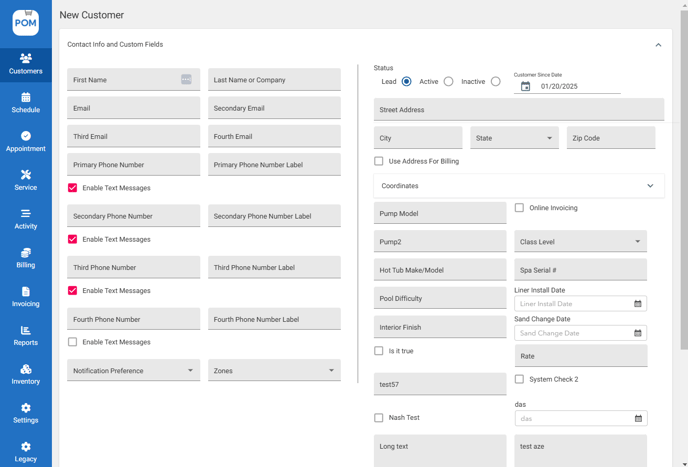
- Input customer info and custom field. (First/Last name, Email, Phone number, Street address, etc.)
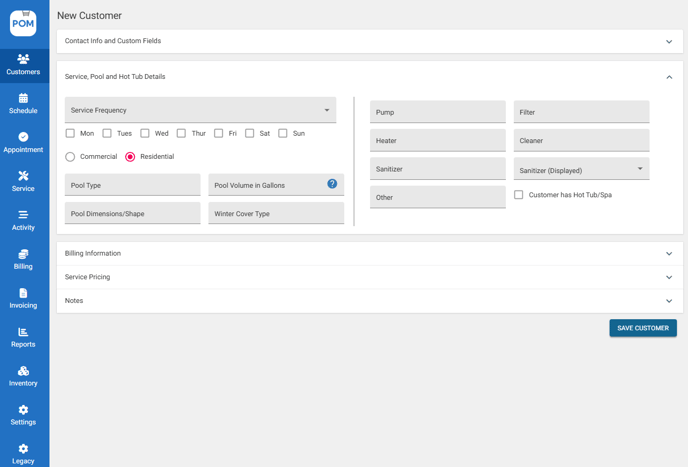
- Input Service pool and Hot tub details. (You can get back to this at any time)
- Input Billing information
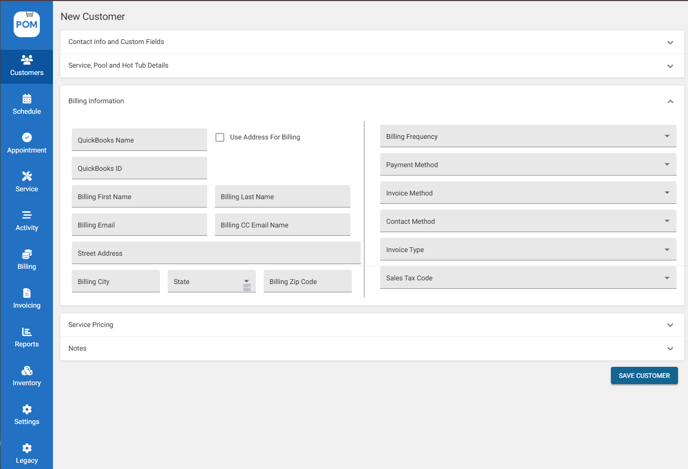
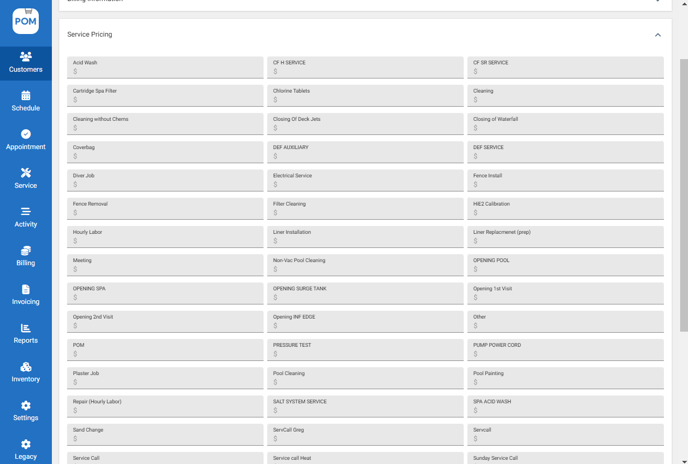
- Customize Service Pricing. (If not, default service pricing will be used)
- Input Sales and Profile Notes
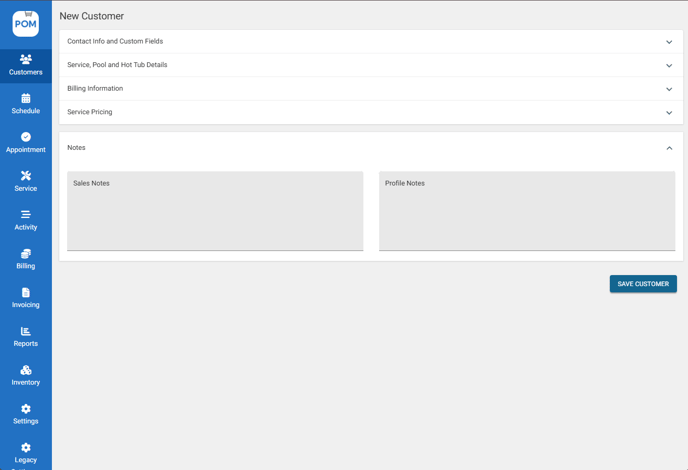
Sales Notes — Notes that are internal and for your sales staff to have some extra information about this certain customer.
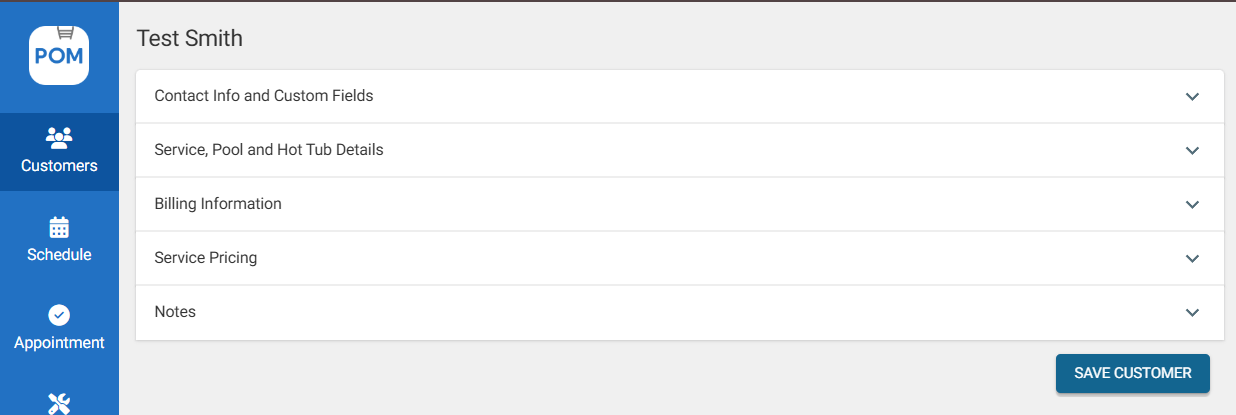
Profile Notes — Notes that will appear when you create an appointment and complete a service report. - Click "Save Customer" to save details.
To view and edit info
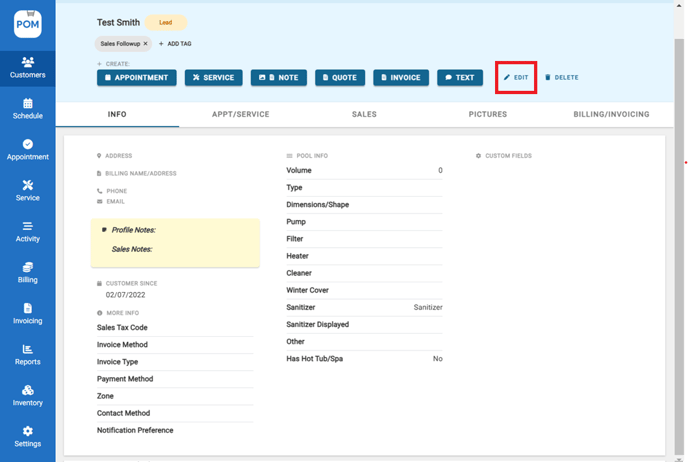
- Go to Customers profile > Click "Info"
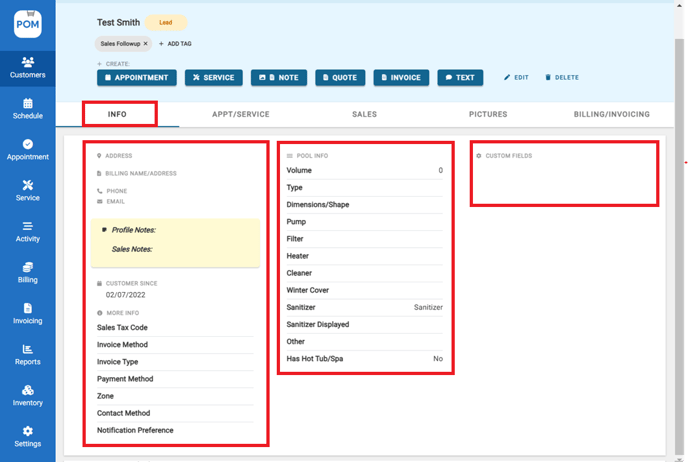
Info — Basic contact and pool information.
Custom fields— Customized fields that can be updated about customer preferences
-
Click "Edit" to edit customer info.
-
This will take you back to the customer profile customization page. Click "Save Customer" to apply your changes.