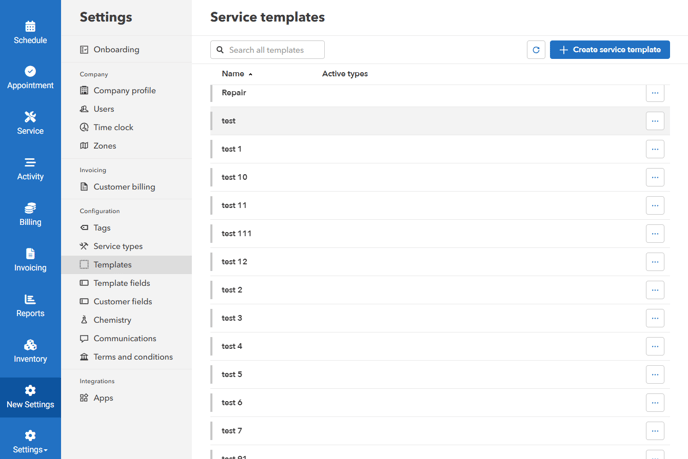
- Go to "Settings" > "Templates" > click "Create service template" or an existing template
-
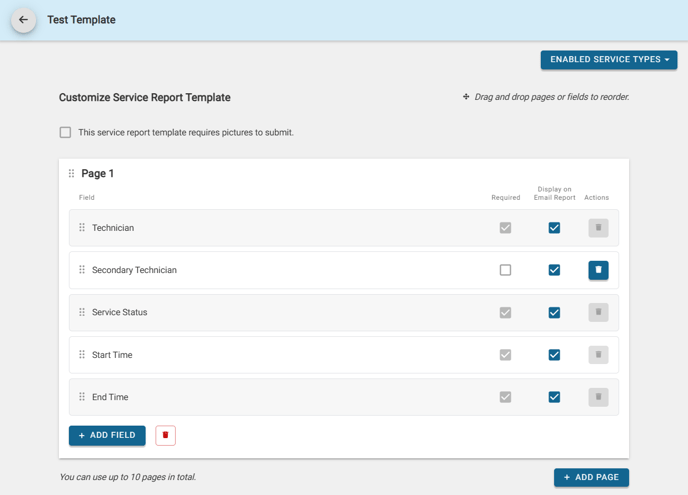
Drag and Drop into the correct order, add fields or remove them, select whether to make them required for the user in the field, and if you'd like to include them in the emailed service report
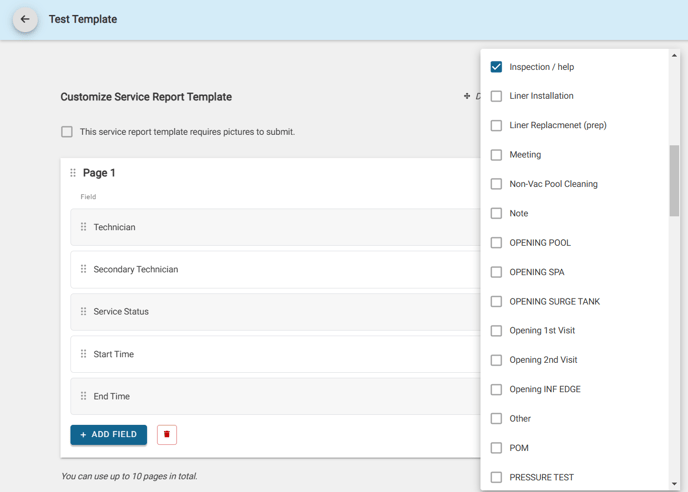
Assign a template to a service type
- Select Enable Service Types to use the template for all appointments/services of that service type

Create/edit custom template field
- Go to "Settings" > "Template fields" > click "Create template field" or an existing template field.
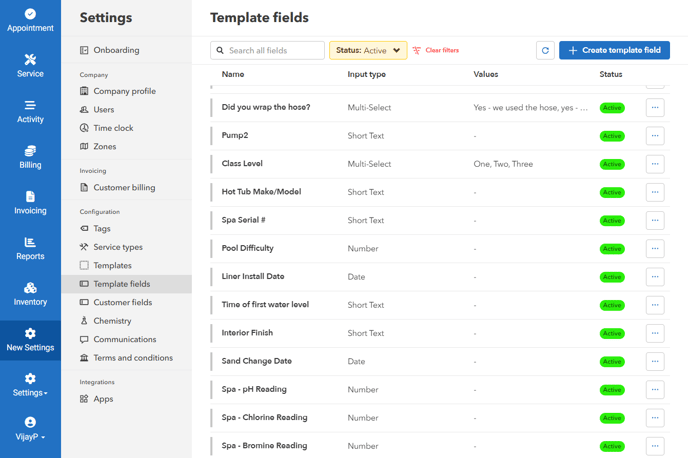
- Create custom fields to be added into the service report templates, in addition to the default provided fields
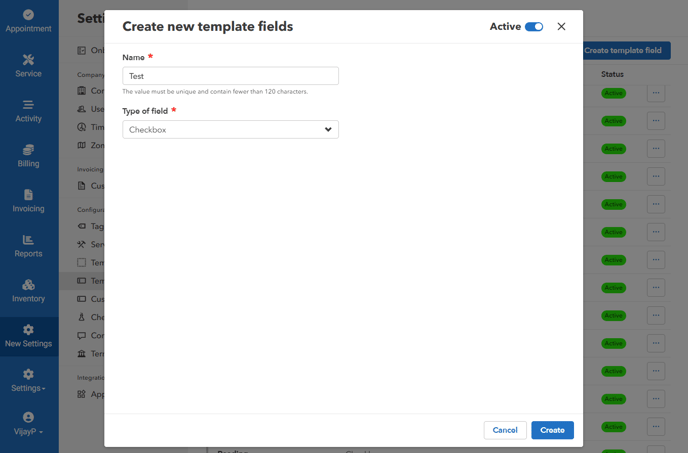
- Set to "Active" > Click "Create"