- Go to "Settings" > "Customer Fields" > click "Create Customer Field" or an existing Customer Field
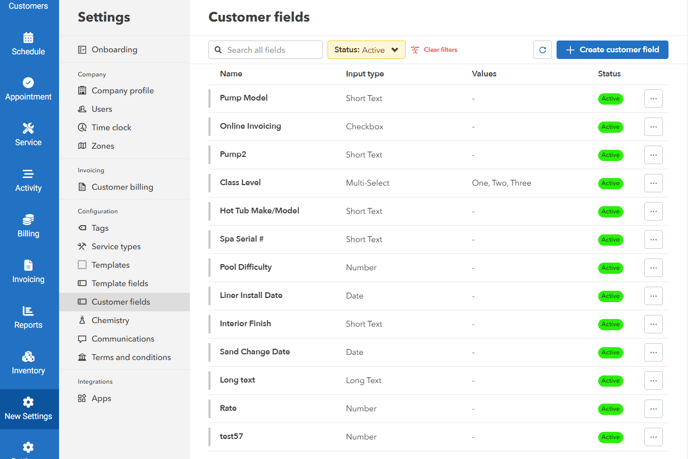
- Enter the field name and select the type of field. You can also customize this to be a checkbox, date, or any other applicable field.

To View Custom Fields
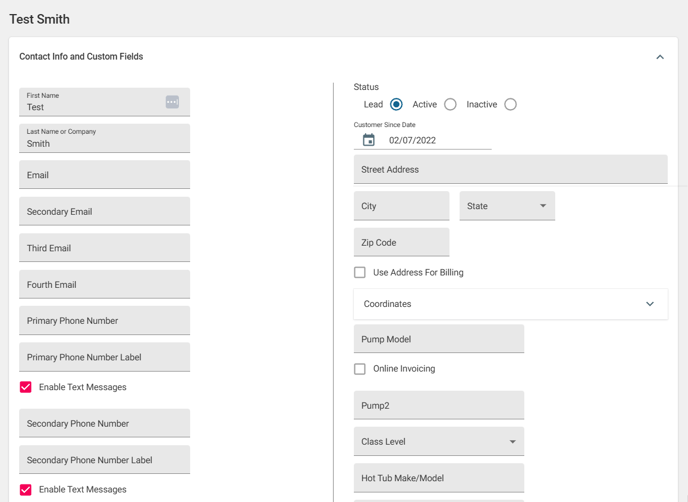
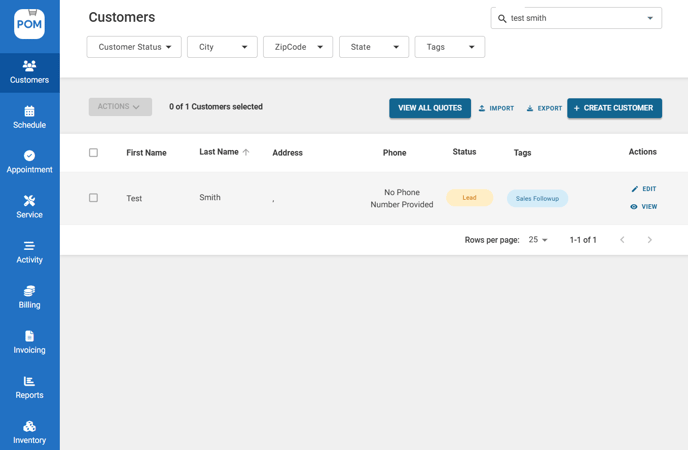
- Go to "Customers" > Customer profile
-
The new custom fields can be updated by editing a customer profile.