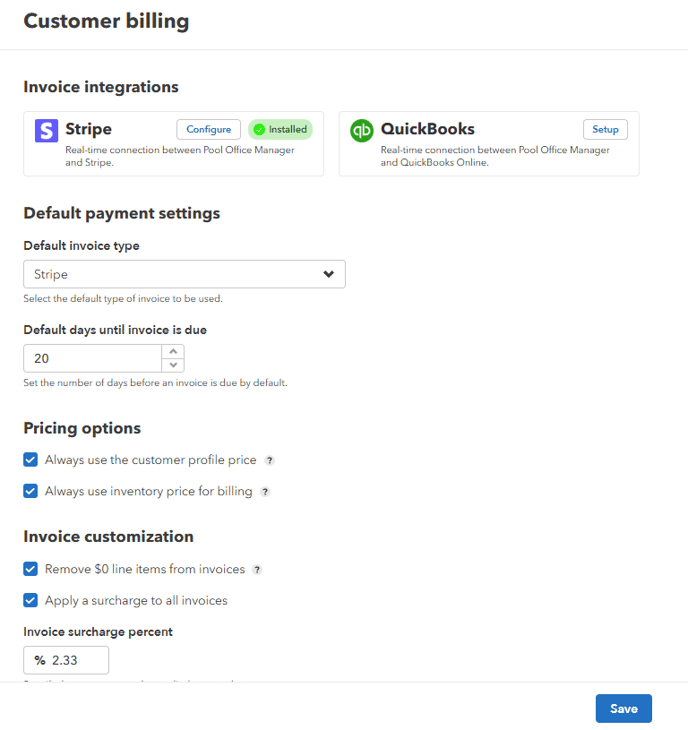
- Go to "Settings" > "Customer Billing"
- Select your Invoice Integration > click "Setup" to install and connect
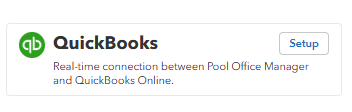
- If already installed > click "Configure" to set up the integration.

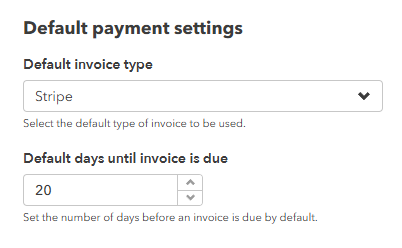
- Select the default invoice type from the dropdown menu > Enter the number of days before an invoice is automatically considered overdue.
- Check/uncheck the pricing options you want to apply.

Always use the customer profile price - Check this option if you want to use the customer's service price. If no service price is defined for the customer, the system will use the default service price.
Always use inventory price for billing - Check this option if you want to use the item's inventory price for billing instead of the service price. - Invoice Customization
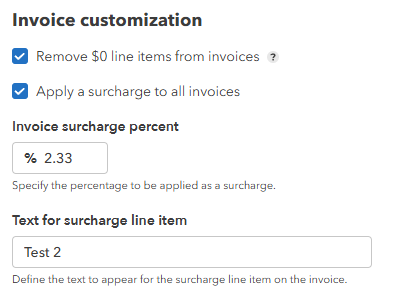
Remove $0 line items from invoices - Check this option to automatically remove any line items with a $0 amount from invoices.
Apply a surcharge to all invoices - Check this option to add a surcharge to all invoices. - Enter the surcharge percentage in the field provided.
- Click "Save" to confirm your selections and update the settings.